Training load calculator
TSS calculator
Enter your power data below to calculate the training stress score (TSS) and intensity factor (IF) for this ride.
TSS (Training Stress Score) captures how hard a session was by combining how long you went and how hard you pushed, relative to your threshold power.
Load = (Duration × NP × IF × 100) / FTP
- Duration: workout time in hours
- NP: Normalized Power
- IF (Intensity Factor): NP / FTP
- FTP: Functional Threshold Power
By definition, one hour all-out at your FTP equals 100 TSS, so everything else scales from there.
Intensity Factor is how hard a session was relative to your own threshold, as a single number. On the bike it is Normalized Power divided by FTP, so 1.0 means you held threshold for the whole session and 0.65 means you rode endurance.
It is the intensity half of TSS, and it is squared: TSS = hours × IF² × 100. That squaring is why an hour at 1.1 costs more than ninety minutes at 0.8, and why chasing weekly TSS with junk miles works so badly.
It depends entirely on what the session is for. Rough ranges for a whole ride:
- Under 0.65 - recovery spin
- 0.65 to 0.80 - endurance, the bulk of most weeks
- 0.80 to 0.90 - tempo and sweet spot work
- 0.90 to 1.00 - threshold sessions, and long time trials
- Over 1.05 - short races and hard interval days
A whole-session IF above 1.0 is only possible over short durations, since IF 1.0 for an hour is the definition of FTP.
It depends on the session, but rough ballparks:
- Under 50 - recovery spin, you'll feel fine tomorrow
- 50 to 100 - solid endurance, normal training day
- 100 to 150 - hard session, you'll feel it
- 150 to 300 - long ride or race-level effort, plan recovery
- Over 300 - gran fondo or century territory
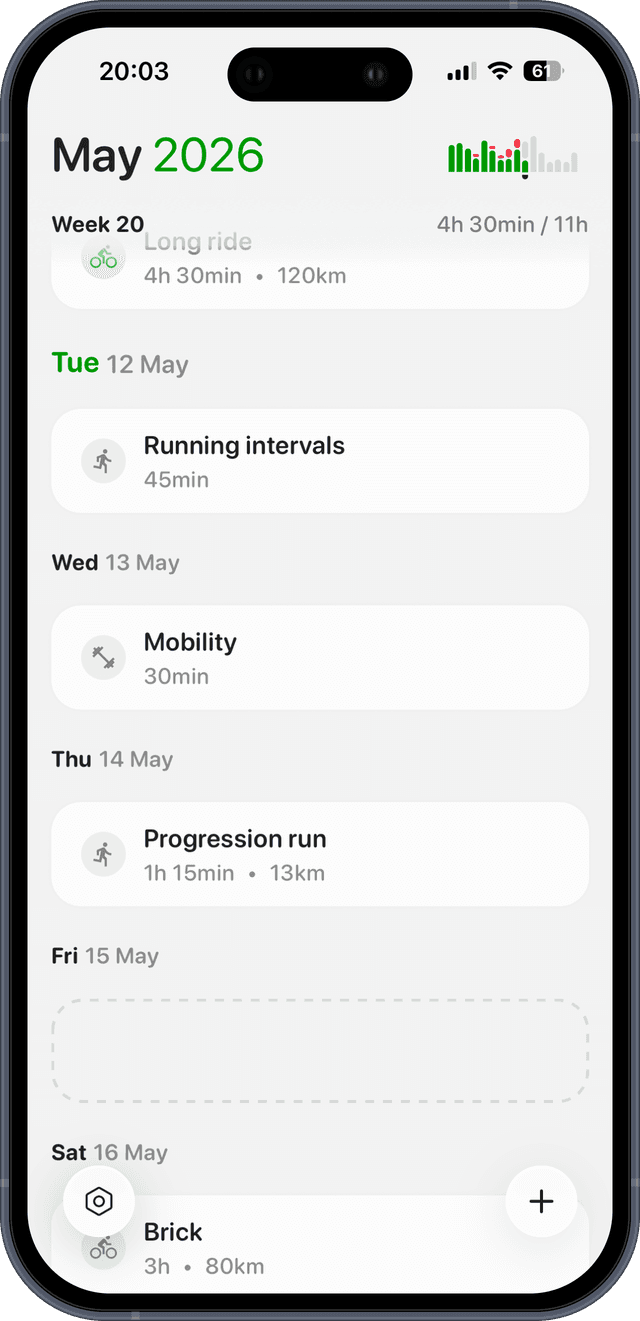
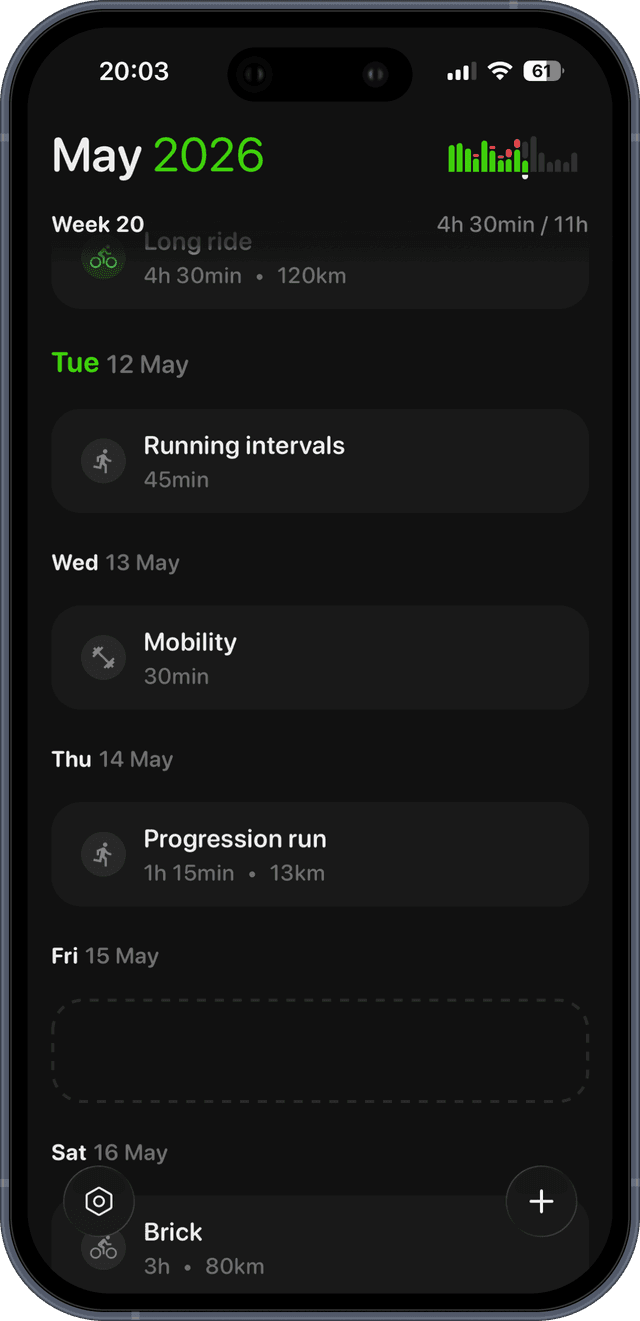
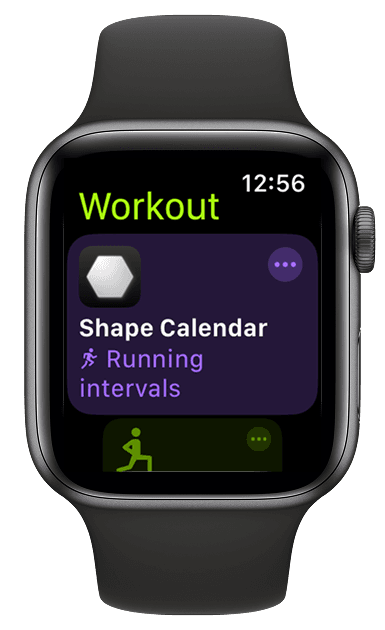
Plan workouts by TSS, not by guesswork.
Describe a session in plain English, see the predicted TSS before you ride, and sync it to your Garmin, Apple Watch or Wahoo.