Guide
How to connect Garmin to Claude
There are a few ways to get your Garmin data into Claude. This guide covers which Claude plans support it, how the options differ, the setup steps for a hosted connector, and what to do when it does not work.
 Samuel KraftUpdated
Summary
- Every Claude plan supports custom connectors. The Free plan allows one.
- Garmin has no connector of its own. You use a hosted service, a local server, or a file export.
- Hosted connectors work on your phone. Local servers do not.
- Most options are read-only. To have Claude write workouts to your watch, you need a platform on Garmin’s partner API, such as Shape.
Which Claude plans support this
All of them. Claude connects to external tools through MCP, and custom connectors are available on Free, Pro, Max, Team and Enterprise. The Free plan is limited to one custom connector.
Claude Desktop, claude.ai and the Claude mobile apps add a connector from the Connectors screen. Claude Code and other developer tools take the same server URL from a command or a config file. Both are covered below.
Ways to connect Garmin to Claude
Garmin does not publish an MCP server, so every option comes from a third party. They differ in where the server runs, how it signs in to Garmin, whether it works on a phone, and whether Claude can write workouts back.
| Option | Runs on | Garmin sign-in | Phone | Writes workouts | Cost |
|---|---|---|---|---|---|
Training platform with a connector Shape and other Garmin partner platforms | Hosted | Garmin OAuth | Yes | Yes | Subscription |
Hosted connector Various third-party services | Hosted | Varies | Yes | Varies | Free to a small subscription |
Your own server on Garmin's Personal API garmin-personal-mcp and similar open source projects | Your computer, or a host you run | Personal API key | Only if you host it | No | Free |
Local MCP server (unofficial API) Older open source projects on GitHub | Your computer | Garmin username and password | No | Usually not | Free |
File export FIT or CSV from Garmin Connect | No server | None | Yes | No | Free |
Training platform with a connector
Training platforms on Garmin’s partner API, Shape among them, work like this. You connect Garmin once through Garmin’s own sign-in page, the platform receives your activities and daily health data as the watch syncs, and Claude talks to the platform. The partner API also accepts workouts, so Claude can plan a session and it appears on your watch. The data includes planned workouts and training load, which the other options do not have. It costs a subscription.
Hosted connector
Several services give you a URL to paste into Claude and read your Garmin data for you. They work on the phone and setup takes a few minutes. Before choosing one, check how it signs in to Garmin, since some use your username and password rather than OAuth, and check whether it can write workouts back. Some can, many cannot.
Your own server on Garmin’s Personal API
Since October 2026 Garmin issues a personal API key from the Connect settings page, free and in seconds. An open source MCP server on top of it reads your whole history and the original FIT files, but nothing can be written to the watch and the key may only be used in tools you run yourself. Setup, hosting and limits are in the Personal API guide.
Local MCP server on the unofficial API
Older open source projects on GitHub run on your own computer and use Garmin Connect’s unofficial web API with your Garmin username and password. They are free and expose a lot of data. You need Python or Node installed, the login can stop working when Garmin changes something, it does not work from a phone, and the server only runs while the process is open.
File export
Open an activity in Garmin Connect on the web, export the FIT file or the splits as CSV, and upload it in a Claude chat. Nothing to install and no account needed. This works for looking at one workout. For questions about a whole month you have to export again every time.
Set up a hosted connector
These steps use Shape. The Claude part is the same for any hosted connector, so if you picked another one, use its URL in step 2.
- 1
Connect Garmin to Shape
Create a Shape account, go to Settings, Connections, and choose Garmin. Garmin’s sign-in page opens. Approve it and the last 30 days start syncing. Shape does not see your Garmin password.
Create a Shape accountFree for 14 days. - 2
Add the connector in Claude
Add to ClaudeOpens claude.ai with the connector filled in.Or by hand: in Claude Desktop, claude.ai or the mobile app, go to Settings, Connectors, press Add and choose Add custom connector. Paste this URL:
https://shapecalendar.com/mcpClaude detects the sign-in method. Keep the defaults and continue. A Shape screen opens in your browser, approve it. Then open the connector and set the read-only tools to Always allow, so Claude does not ask on every message.
1. Open the account menu at the bottom left and choose Settings.
2. Go to Connectors, press Add, then Add custom connector.
3. Give it a name and paste https://shapecalendar.com/mcp as the URL, then press Continue.
4. Claude detects the sign-in method on its own. Keep the defaults and continue. A Shape screen opens in your browser to approve the connection.
5. On the connector page, set Read-only tools to Always allow. Leave Write/delete tools on Needs approval if you want to confirm before Claude changes your calendar.
- 3
Start a new chat
Connectors are attached when a chat starts, so open a new one. Check that Shape is switched on in the tools menu, then ask something like this.
- Look at my last 14 days in Garmin and plan next week. Two hard sessions, one long run, the rest easy.
- Open yesterday's intervals. Did I hold pace on every rep, and how long was I at threshold?
- Check my sleep, HRV and Body Battery this week. Should I do today's session as planned?
- Create a threshold run for Thursday: 4x10 minutes at threshold, 3 minute jogs between. Send it to my Garmin.
Claude Code, Cursor and other clients
The same server works in any client that supports MCP over HTTP. In Claude Code, run:
claude mcp add --transport http shape https://shapecalendar.com/mcp
For ChatGPT, see the Garmin and ChatGPT guide. Cursor, Raycast and clients without OAuth use the URL plus a token from Settings, API access. Config examples are on the Garmin MCP server page.
What Claude can read
Once connected through Shape, Claude has access to the following. The full tool list is in the MCP docs.
- Workouts
- Planned and completed workouts with sport, duration, distance, average heart rate, average power, elevation gain and training load. Claude can filter by date range and sport.
- Workout details
- For workouts recorded on a Garmin device: heart rate, pace, cadence, power, elevation and GPS over the course of the workout, lap splits, and time in each training zone.
- Daily health
- Sleep, HRV, resting heart rate, Body Battery, VO2 max, body composition and steps, one record per day. If you have more than one source connected, the records are merged.
- Training status
- Readiness, fitness, fatigue and form, your acute to chronic load ratio, and the planned load for the coming week.
- Writing to the calendar
- Claude can create, update, move and delete workouts, up to 100 in one call. Structured workouts sync to Garmin Connect and show up on the watch.
A read-only connector usually returns activity summaries and a daily wellness record. That covers questions about sleep and recovery. It does not cover pace within a workout, and it cannot put a session on your calendar or your watch.
Limitations
- Garmin sends data after each watch sync, not live. A workout you finished a few minutes ago may not be there yet.
- The Garmin API only sends the last 30 days when you connect. Older history has to come from Garmin’s data export, which Shape can import.
- Watch settings, alarms and Garmin’s own coaching plans cannot be changed from Claude. Workouts can.
Troubleshooting
- The connector is added but Claude does not use it
- Start a new conversation. Connectors are attached when a chat starts, so an older chat will not see it. Then open the tools menu under the message box and check that the connector is switched on.
- Claude asks for permission on every call
- Open Settings, Connectors, choose Shape Calendar and set Read-only tools to Always allow. Otherwise every tool call needs a click.
- Claude says there is no Garmin data
- Garmin sends activities to Shape after each sync from the watch, and the first sync covers the last 30 days. Sync the watch, wait a minute and ask again. Older history comes from the Garmin export, see the questions below.
- A workout shows up twice
- Two sources recorded the same workout, usually Garmin and Apple Health. Shape pairs them on import and keeps one. If a pair was missed, ask Claude to pair the two activities, or do it in the calendar.
- It works on the desktop but not on my phone
- A local MCP server only exists on the computer it runs on. A hosted connector is tied to your Claude account, so it works in the iOS and Android apps and on claude.ai without extra setup.
- The consent screen does not open
- Your browser is blocking pop-ups, or you are signed out of Shape in that browser. Sign in to Shape first, then add the connector again.
Questions
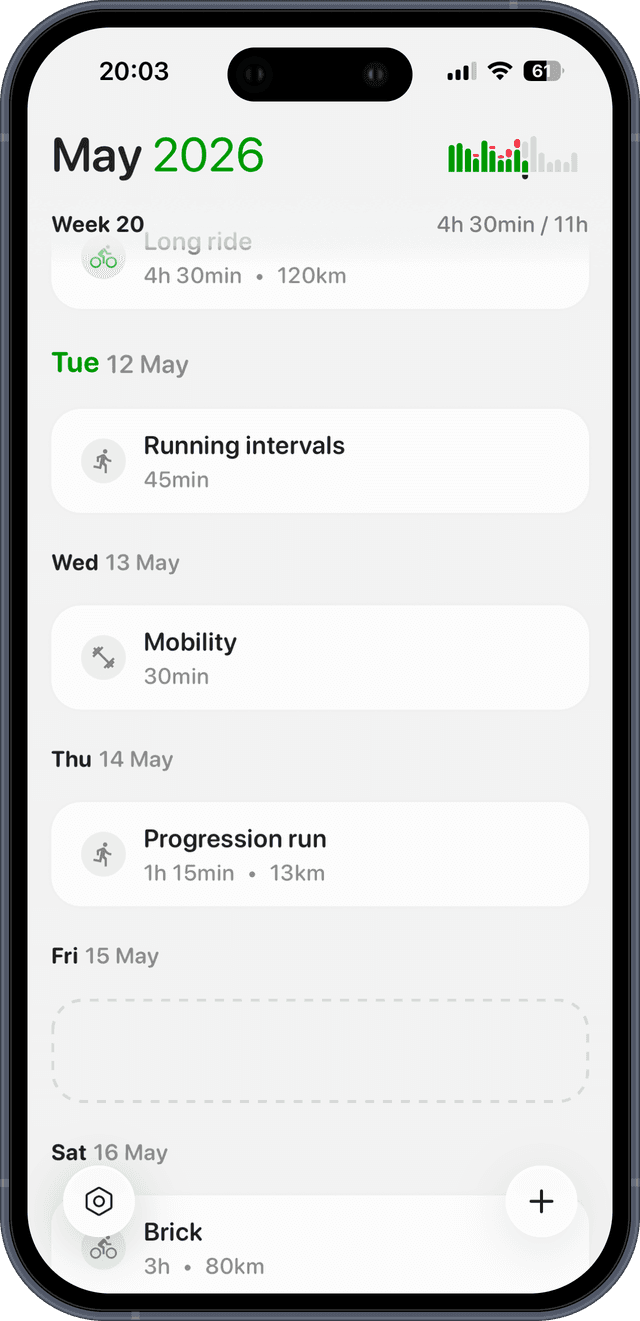
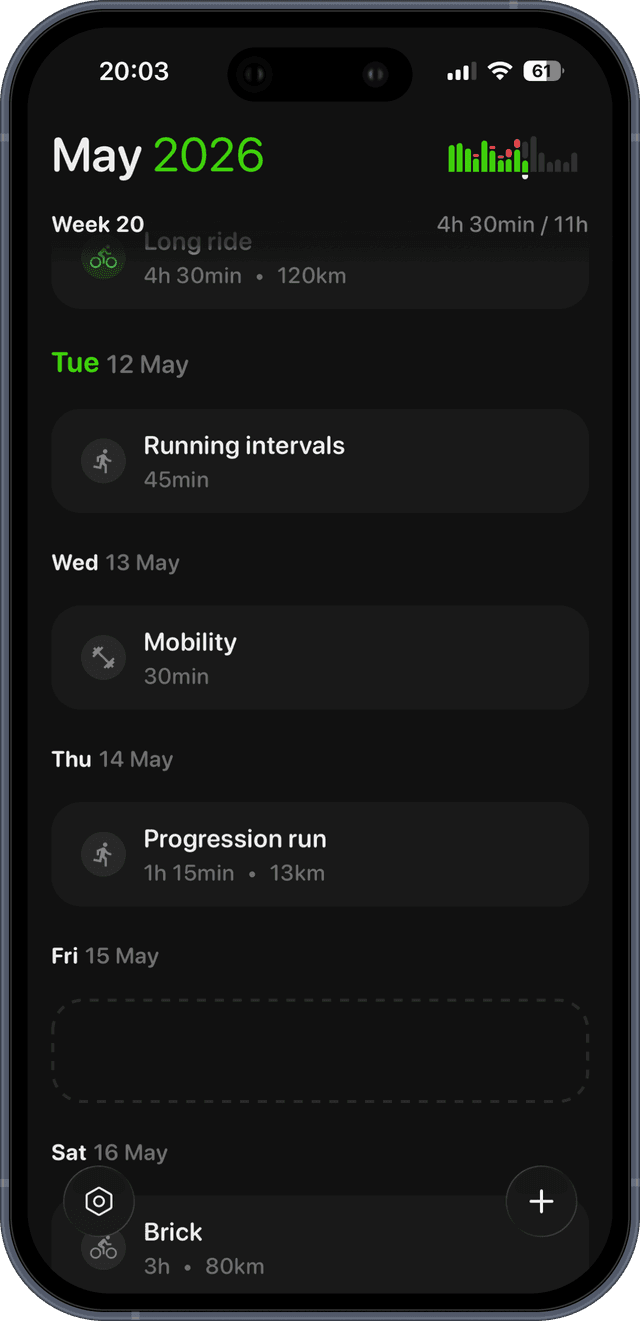
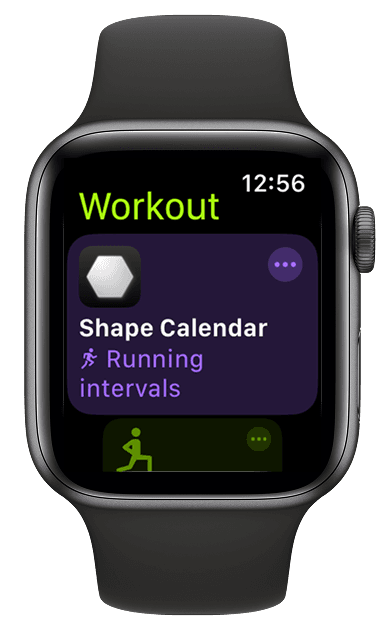
Let Claude plan your training. Shape sends it to your watch.
Connect Garmin, connect Claude, and every workout Claude plans lands on your Garmin. Free for 14 days.