Guide
How to use Garmin’s Personal API with Claude and ChatGPT
Garmin now gives anyone a personal API key in seconds. Through an open source MCP server, Claude or ChatGPT can read every activity you ever recorded and the original files behind them. This guide covers what the key gives you, the setup, hosting it for your phone, and its limitations compared to hosted options.
 Samuel KraftUpdated
Summary
- Since October 2026 Garmin issues personal API keys from the Connect settings page. No application, no review, free.
- The key reads your whole account: every activity, the original FIT files, and daily health back as far as the account goes.
- It is read-only and personal. Nothing can be sent to the watch, and the key may only be used in tools you run yourself.
- You need to run the server yourself, or host it if you want it on your phone.
What changed at Garmin
Garmin closed its Connect Developer program to new applicants in March 2026 and reopened it on 21 October with three tiers. Two are for companies: Starter, free for small user counts, and Enterprise, with negotiated pricing. The third is new. Personal gives one person a key to their own data, created in Garmin Connect’s settings in a few seconds, with no application to file.
Garmin published a Python client the same day, which is the only written list of the endpoints. There is no MCP server from Garmin. The one in this guide, garmin-personal-mcp, is an open source TypeScript server on the official MCP SDK, not affiliated with Garmin.
So with a personal key you can run your own Garmin MCP server and give Claude your data directly. The catch is that you run it: on your computer for Claude Desktop, or hosted somewhere you pay for if you want it on your phone or in ChatGPT.
Personal key or hosted connector
The alternative to running something yourself is a hosted connector: a service that connects to Garmin for you and gives Claude a URL. Shape is one. A personal key is yours alone and free on your own computer; a hosted connector works on your phone with nothing to run, brings in Apple Health and Wahoo, and sends workouts back to the watch.
| Personal key, run yourself | Hosted connector like Shape | |
|---|---|---|
| Setup | A personal key you renew yearly, plus setting up the server | Sign in with Garmin, add a URL in Claude |
| Works on your phone | Only if you host it | Yes, and in ChatGPT |
| History | Everything on the account, however old | Last 30 days on connect, everything older from your Garmin export |
| FIT files | Yes | Yes |
| Workouts to the watch | No, read-only | Yes |
| New workouts | Fetched when Claude asks | Arrive as soon as the watch syncs |
| Apple Health and Wahoo | No, Garmin only | Yes, merged with Garmin |
| Maintenance | You keep the server running and up to date | None |
| Cost | Free on your computer, hosting costs extra for your phone | Subscription, with a 14-day free trial |
Connect it to Claude
You need Node 20 or newer. The server runs on your computer and Claude talks to it over stdio, the same way Claude Desktop runs any local MCP server.
- 1
Create a key
Open Personal API in Garmin Connect settings and press Create. Pick 1 year, the longest option, so you only repeat this once a year. Copy the key; it is shown once.
- 2
Add the server to Claude
The key goes in as an environment variable. In Claude Code:
claude mcp add garmin -e GARMIN_PERSONAL_API_KEY=YOUR_KEY -- npx -y garmin-personal-mcpIn Claude Desktop, Cursor, Windsurf or Zed, add this to the client’s MCP config file:
{
  "mcpServers": {
    "garmin": {
      "command": "npx",
      "args": ["-y", "garmin-personal-mcp"],
      "env": { "GARMIN_PERSONAL_API_KEY": "YOUR_KEY" }
    }
  }
}
Restart the client.
- 3
Start a new chat and ask
MCP servers are attached when a chat starts, so open a new one. Then try something like this.
- How has my weekly running volume changed over the last three years?
- Compare my resting heart rate and sleep this month with the same month last year.
- Pull the FIT file for yesterday's ride and show me power and heart rate per lap.
- Find every half marathon I've run and list the finish times.
What Claude can read
- Activities
- Every activity on the account, newest first, 50 per page, filtered by date range or sport. Each comes with distance, time, heart rate, power, training effect and cadence, so Claude can scan years without reading every field.
- Recordings
- The original FIT file, decoded: session totals, every lap, and a downsampled stream of heart rate, power, speed, cadence, altitude and position.
- Daily health
- Sleep with stages and score, overnight HRV, Body Battery, stress, steps, resting and all-day heart rate, pulse ox, hydration, weight, fitness age and heart rate zones.
- Anything else on the API
- A raw GET tool for paths Garmin adds later. Only paths on the Personal API's allowlist answer; the rest of Garmin Connect's web API returns 404.
The full tool list with every parameter is in the README.
Host it for your phone or ChatGPT
The stdio setup only exists on the computer it runs on. The Claude mobile app and ChatGPT connect to servers over HTTPS, so for those you run the server somewhere with a public address. The HTTP mode is stateless, which means it works on serverless hosts as well as on a box you own.
On a VPS, a home server or a Raspberry Pi:
MCP_BEARER_TOKEN=$(openssl rand -hex 32) \ MCP_HOST=0.0.0.0 \ GARMIN_PERSONAL_API_KEY=... \ npx -y garmin-personal-mcp --http 3333
Put TLS in front and give the client the URL plus the bearer token. On Vercel, Railway, Render or Fly, import the repository, set the same two variables, deploy; the endpoint is /mcp on all of them. The token is not optional: without it, anyone who finds the URL can read your health data.
Limitations
- One person, by contract
- Garmin's Personal API terms make the key personal to you, for tools you run for your own use. Running your own copy is fine. A service that collects other people's keys is not, which is also why no hosted product can be built on it.
- The key expires
- Thirty days to a year, chosen when you create it. There is no renewal from code. Once a year you make a new key in Garmin Connect and update GARMIN_PERSONAL_API_KEY in your client’s config.
- Nothing is pushed
- The server only looks when Claude asks. A run you finished a minute ago is there as soon as the watch has synced, but nothing arrives on its own, and there are no webhooks.
- Nothing goes to the watch
- The token's scopes are read-only. Claude can plan a workout in the chat, but it cannot put it on your Garmin through this API.
- Short windows for health data
- Daily summaries and HRV summaries accept up to 180 days per call, sleep summaries and Body Battery 28, stress and steps 7. Longer ranges get an empty 400 from Garmin. The server checks first and tells Claude the limit, so it splits the range.
- Unpublished rate limits
- Garmin's terms say limits can change at any time without notice.
- Undocumented shapes
- The endpoints are the ones behind the Garmin Connect web app, listed by Garmin's own Python client. Field names can change when Garmin ships a new Connect release.
Troubleshooting
- Every tool fails with “Token exchange failed: HTTP 401”
- The key is wrong or has expired. Create a new one in Garmin Connect, replace GARMIN_PERSONAL_API_KEY in your client’s config, restart the client and start a new chat. Keys last at most a year.
- A health tool answers with a 400 or 500 and no message
- The date range is longer than Garmin allows for that endpoint, or the page is larger than 60 items. Ask for a shorter range; the limits are on each tool’s description.
- Claude says it has no Garmin tools
- Start a new conversation. MCP servers are attached when a chat starts. In Claude Code, run claude mcp list and check the server is there and shows connected.
- The server starts but exits at once
- It could not find a key. Check that GARMIN_PERSONAL_API_KEY is set in the server’s env block in your client’s config. A key file at ~/.config/garmin/connect-personal-api-key works too.
- A raw path returns 404
- The Personal API only answers an allowlist of about two dozen paths. Other Garmin Connect endpoints exist on the web app but are not exposed here.
Questions
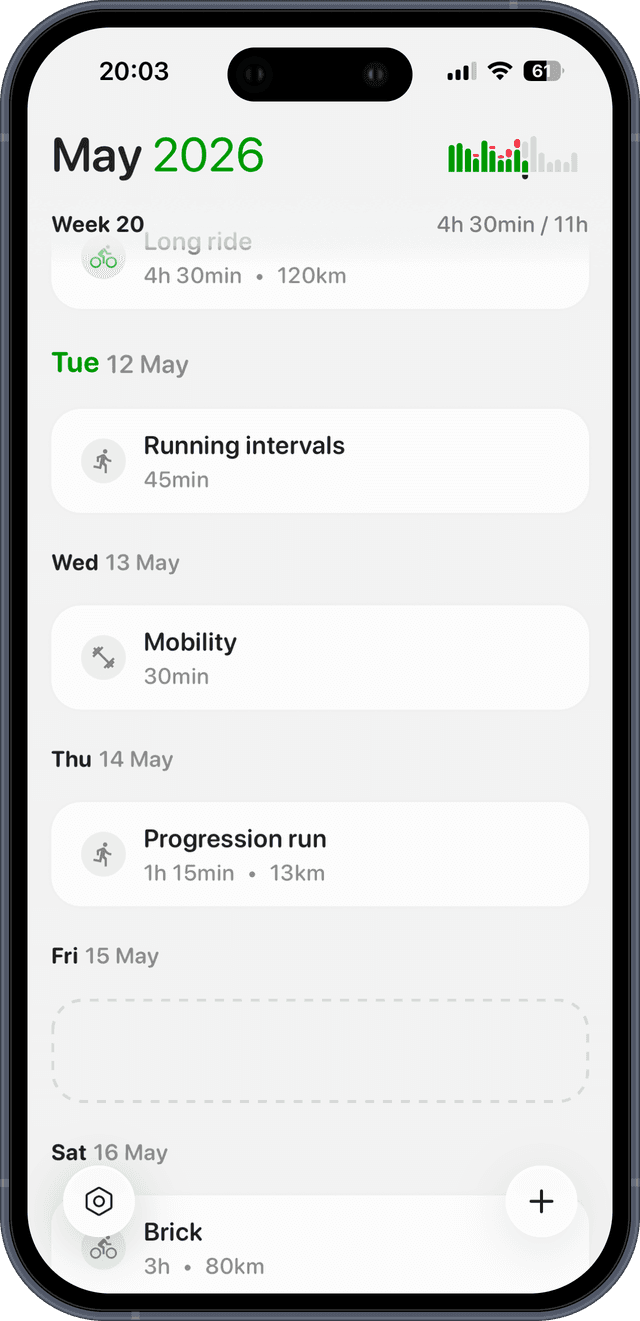
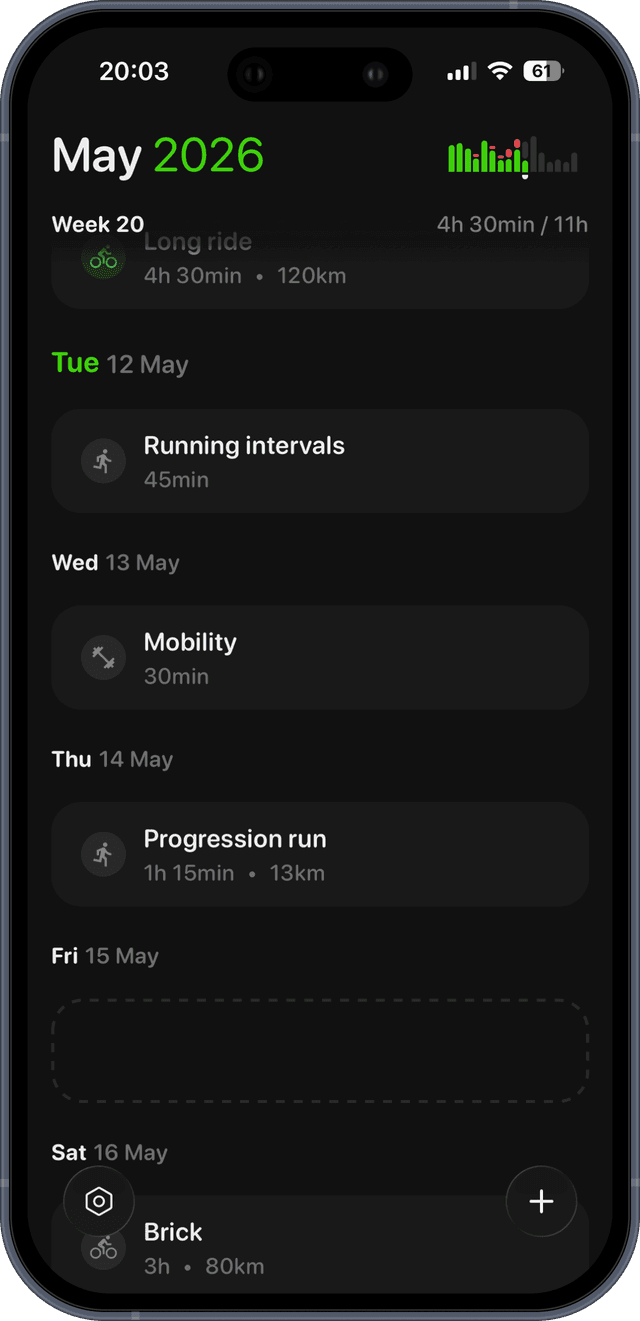
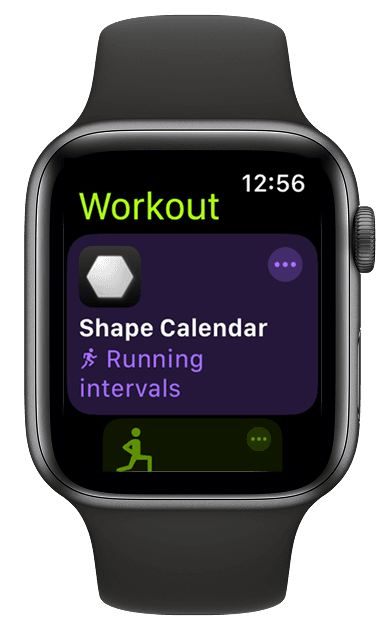
This reads your Garmin.
Shape writes to it too.
Let Claude plan your training and Shape sends every workout to your watch. Garmin, Apple Health and Wahoo in Claude and ChatGPT, nothing to install, and a beautiful iOS app and web interface.